

Code quality ratings for every repo, plus the hotspots to fix first.
Aikido tells you where the codebase is hard to maintain, hard to read, slow, or likely to break.
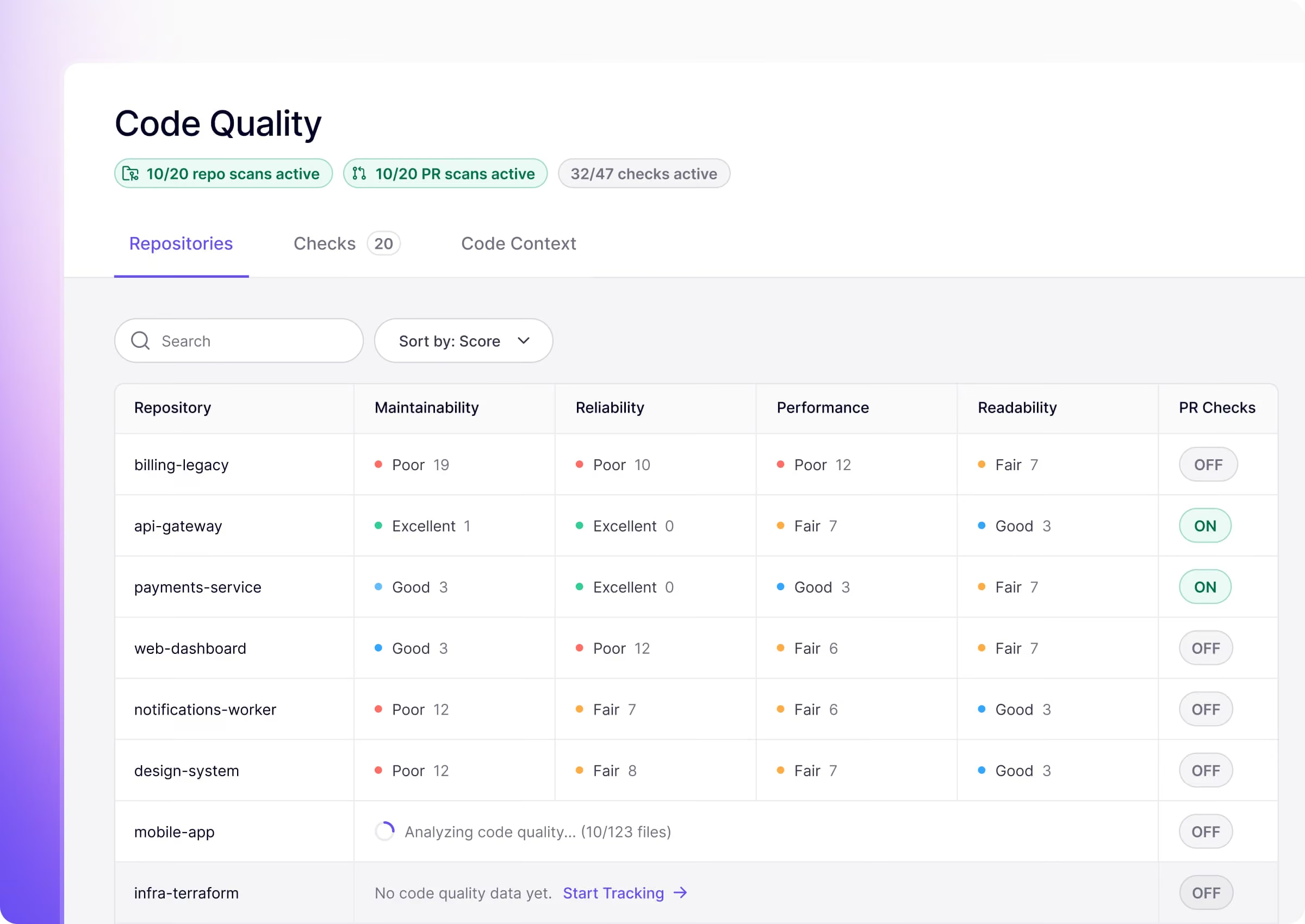



Linting tools lack reasoning and create tons of noise
Linters nitpick formatting. AI judges the health of the code you actually run.
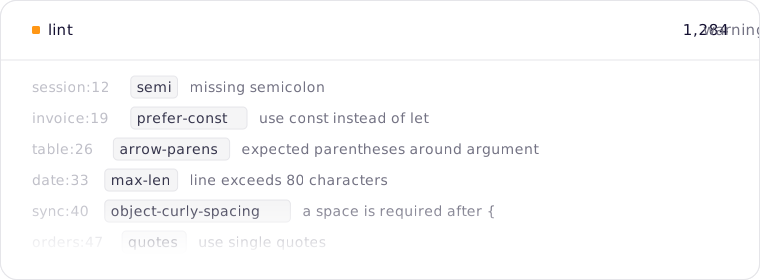
Code quality that reasons & shows you where to invest time
Ratings for every repo, the hotspots carrying the most debt and proof the codebase is getting better.
.jpg)
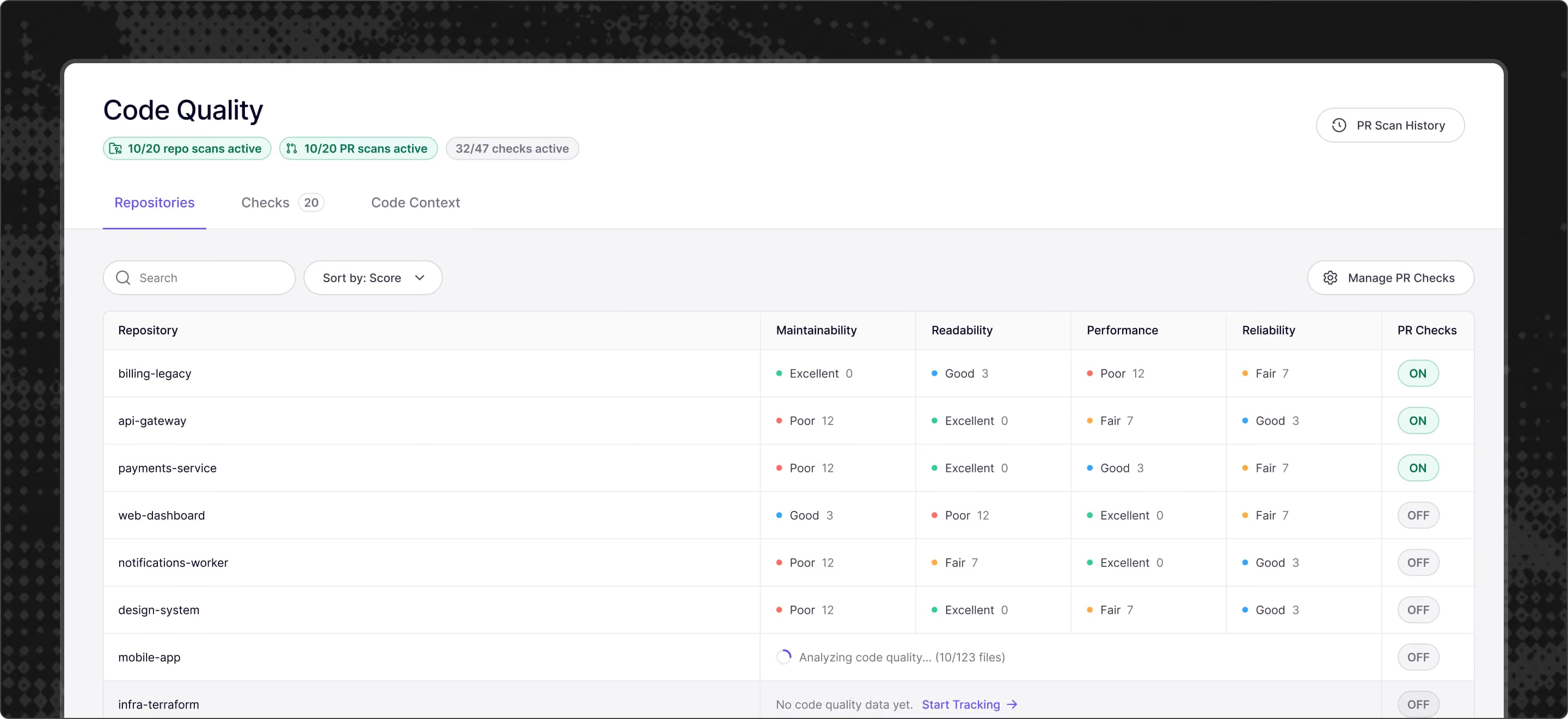
Rates every repo in four categories
Each repo gets a rating for maintainability, readability, performance and reliability. Sort by score and the repo that needs the most work is at the top.
See the files your team keeps changing
Hotspots are files that change often and carry the most findings. Clean those up first and every future pull request gets easier.
Aikido maintains the quality for you
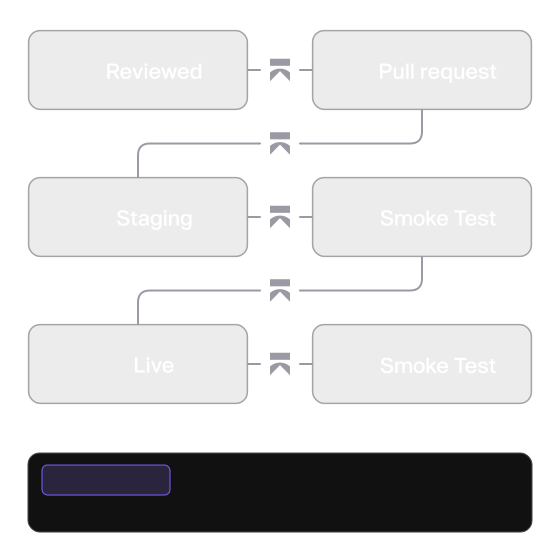
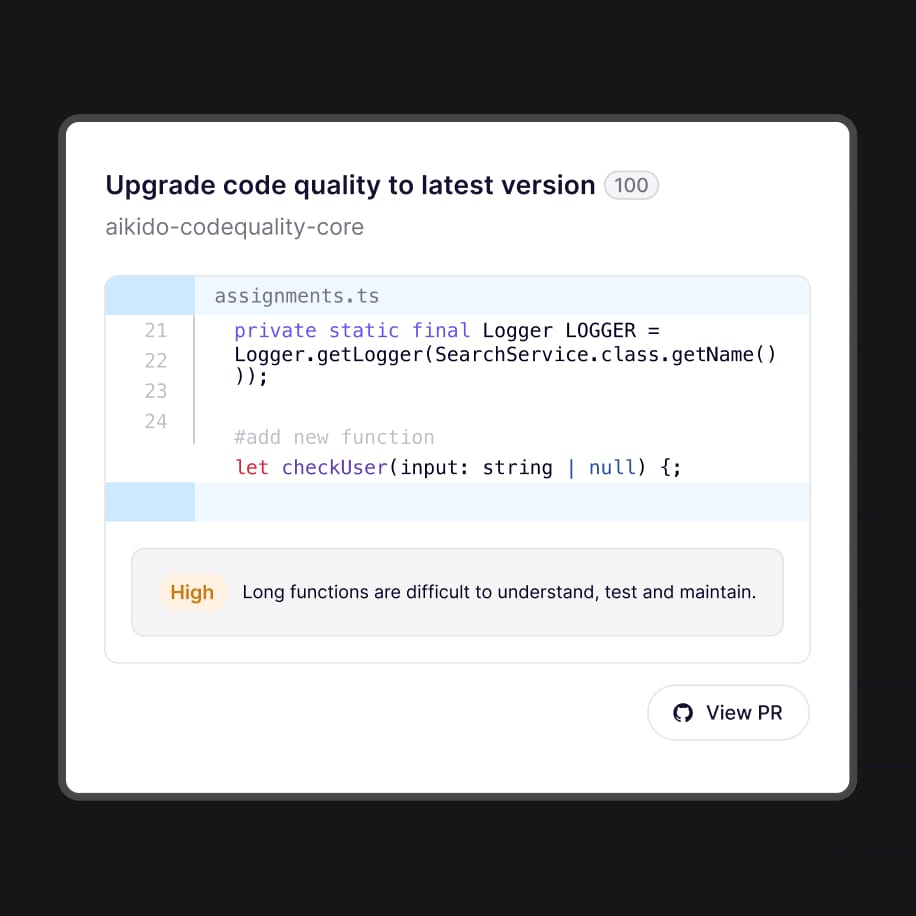
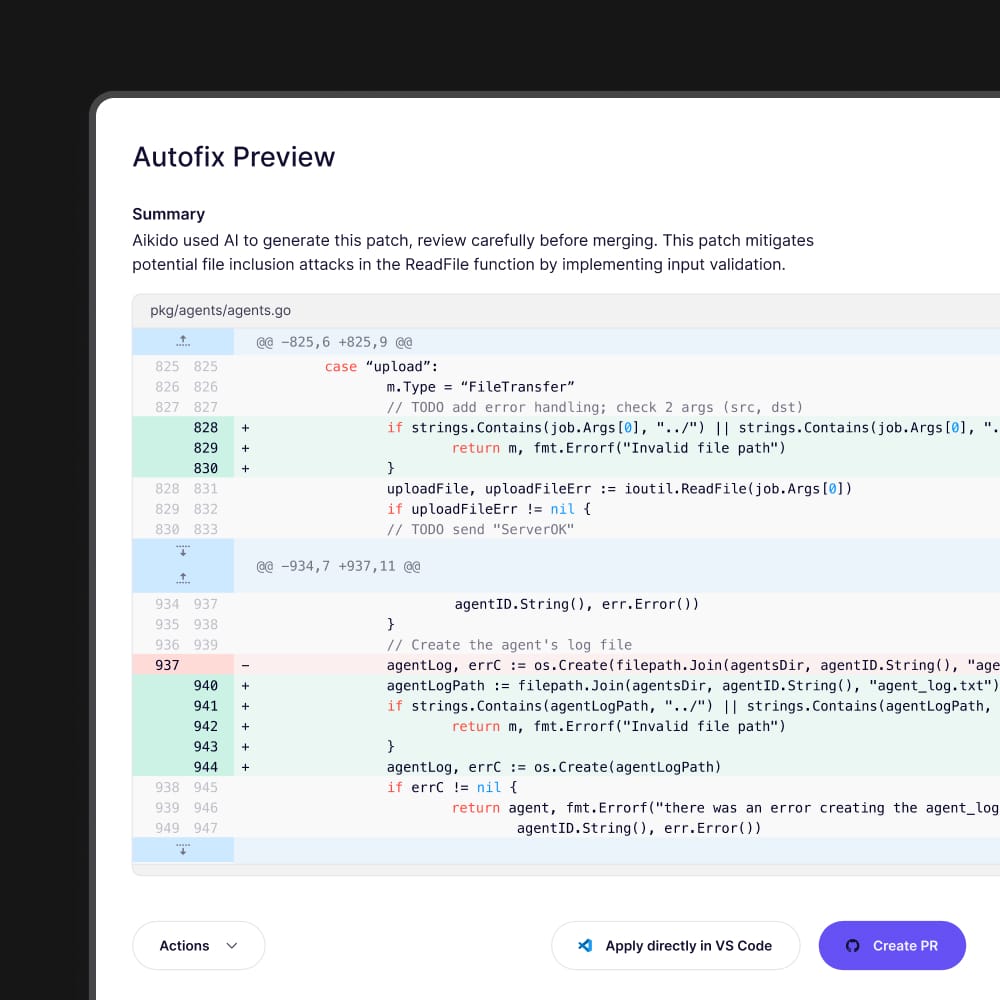
Autofix turns a finding into a change developers review and merge. Or configure Aikido to automatically fix all issues above a certain threshold.
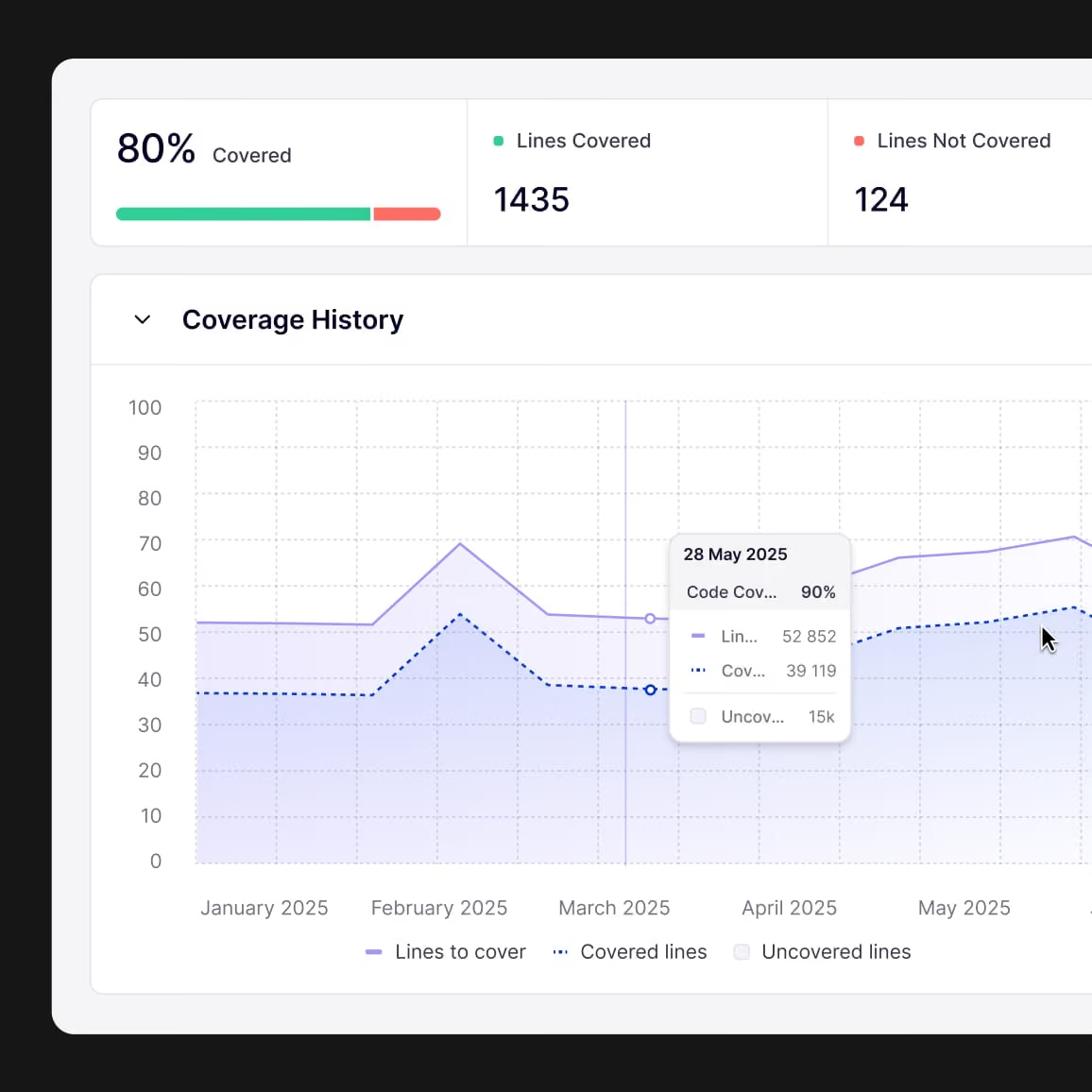
Upload test coverage from your CI pipeline and track it in Aikido.
Aikido shows test coverage in the same platform as your other code quality and code security data.
See which repositories are under-tested
Compare overall coverage across the repos connected to Aikido.
Find gaps in your codebase
Open a repository and browse uncovered files in the code tree or file list.
Inspect a file before you change it
Open line-level coverage against the source so you know what tests already cover.
Track whether coverage is improving
Use coverage over time as you add tests or clean up dead code.
Pair coverage with quality work
When a repository scan or PR check flags a file, check whether that file is tested.
Aikido Code Quality
explained in under 8 minutes
Start shipping quality code
Secure your code, cloud, and runtime in one central system.Find and fix vulnerabilities fast automatically.
See Aikido in action
Enter your work email to view the video
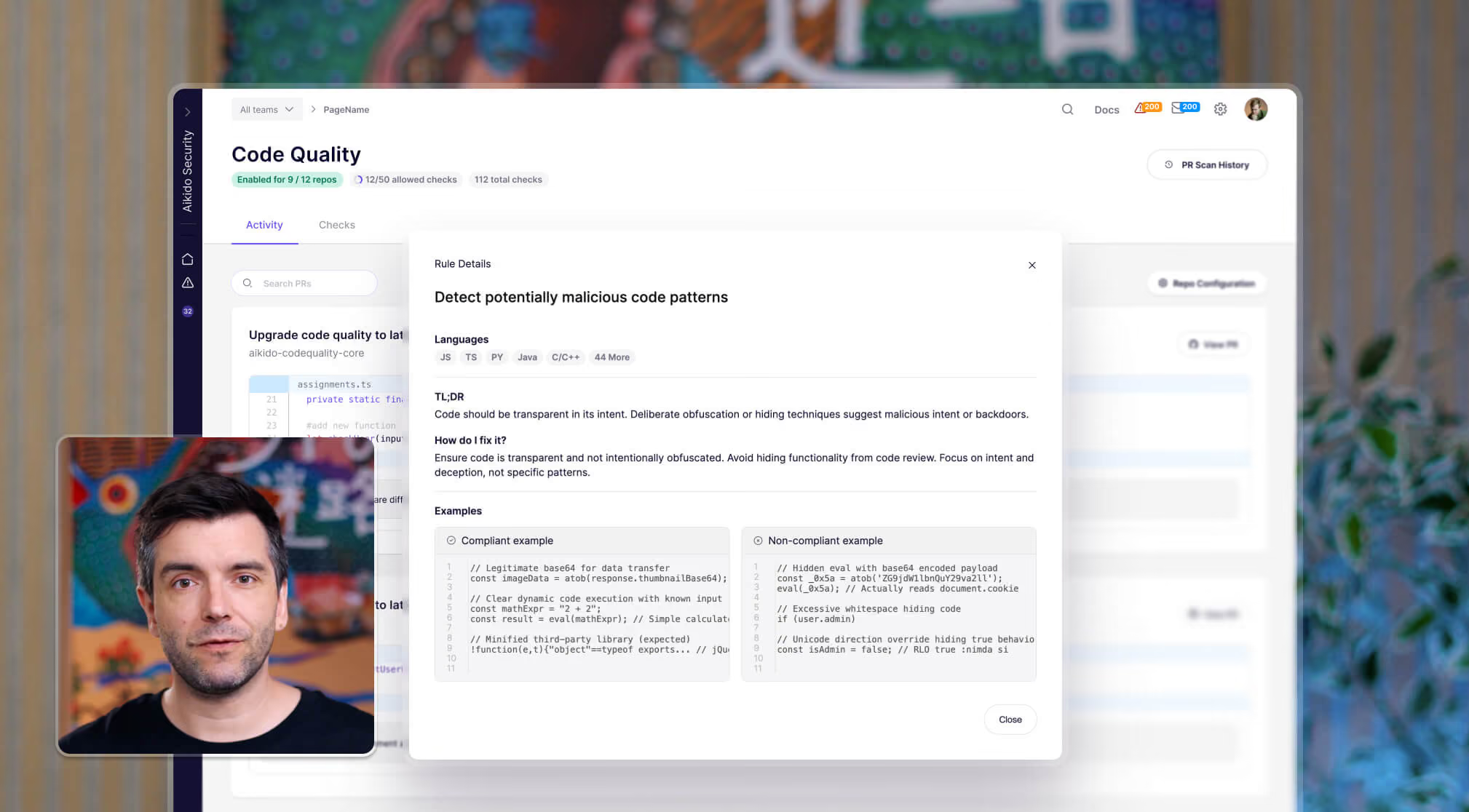
All features from AI code quality
System & language-agnostic










.svg)





"Code quality and code security are two sides of the same coin. Bringing them together in a single platform just makes sense—it means engineers get a unified view of issues, reducing wasted time spent on context-switching and conflicting priorities"
Julian DeborréHead of Engineering at Panaseer

“The fastest time we fixed a vulnerability was just 5 seconds after detection. That is efficiency.”
Aufar SukmajayaBack End Developer


Start shipping quality code
Secure your code, cloud, and runtime in one central system. Connect a repo to discover what the reasoning agents find in your codebase.


FAQs about AI code quality

Aikido Code Quality focuses on enforcing best coding practices beyond styling and formatting. Unlike linting tools that mainly handle tabs vs spaces or style rules, Aikido targets logic bugs, edge cases, and code quality issues to improve maintainability, readability, and robustness without enforcing stylistic preferences.
Yes! Aikido is language-agnostic and works seamlessly across various languages in your tech stack, helping teams maintain consistent code quality standards across all projects.
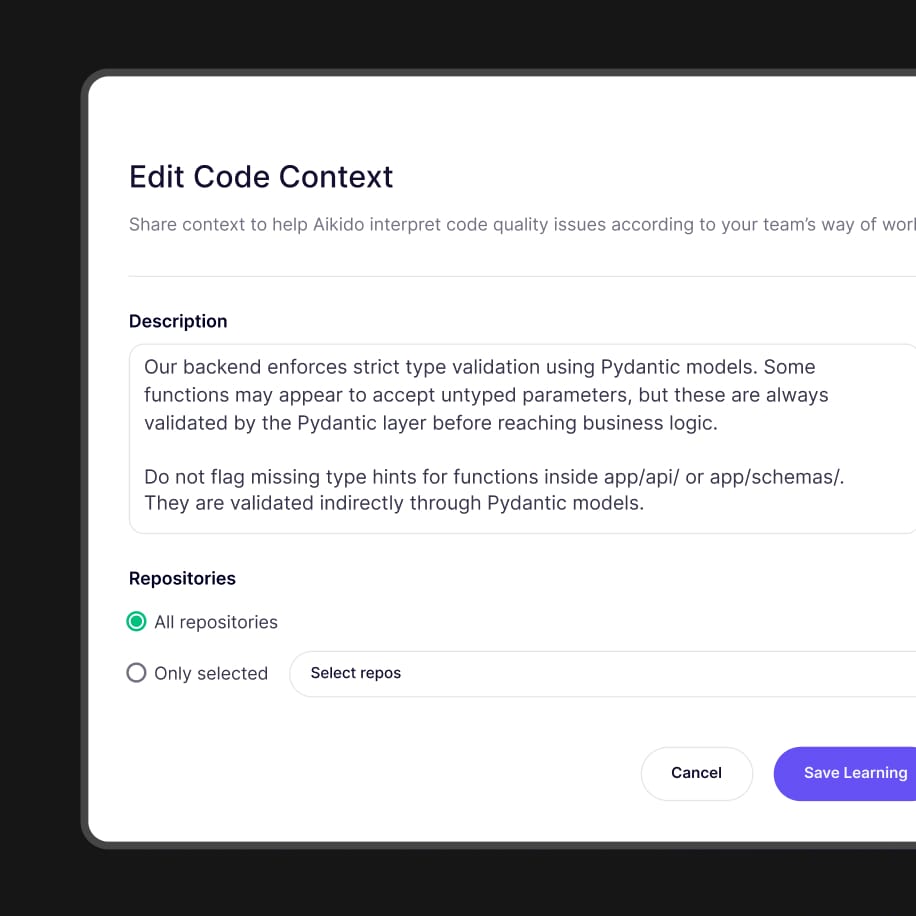
Absolutely. Aikido lets you write and enforce custom rules that suit your project’s unique requirements, giving you complete control over the code quality standards you want to maintain.
Aikido is designed for engineering teams of all sizes. It’s ideal for CTOs, DevSecOps, Security Engineers, and Developers looking to improve code quality and reduce bugs early in the development process.
Aikido integrates directly with your Git workflow and popular version control systems like Github, Gitlab, Bitbucket, Azure DevOps. It reviews every pull request automatically, providing actionable feedback to developers before code is merged.
Aikido catches logic bugs, incorrect conditional checks, edge cases such as null or undefined dereferences, potential runtime errors, and other common code quality pitfalls that are often missed in standard code reviews.
While security is important, Aikido primarily focuses on code quality to ensure your codebase is robust, maintainable, and scalable. It complements security tools by catching bugs and quality issues that improve the overall health of your software.